# Alarms
Device's alarms management.
# Manifest Declaration
You need to declare the use of this API in the manifest's features member:
{"name": "system.alarm"}
# Module Import
Before using this service in a component, you need to import the module in the script section of the UX document.
import alarm from '@system.alarm'
Or
let alarm = require("@system.alarm")
# Methods
This service has the following methods:
# getProvider()
Get information about the service provider, usually, the device vendor.
# Arguments
This method does not have arguments.
# Return
This method returns a string with the identifier of the service provide. Empty if there is no provider available.
Example:
let provider = alarm.getProvider()
// provider = huawei
# setAlarm({hour,minute,message,vibrate,days,ringtone,success,fail,complete})
Set an alarm.
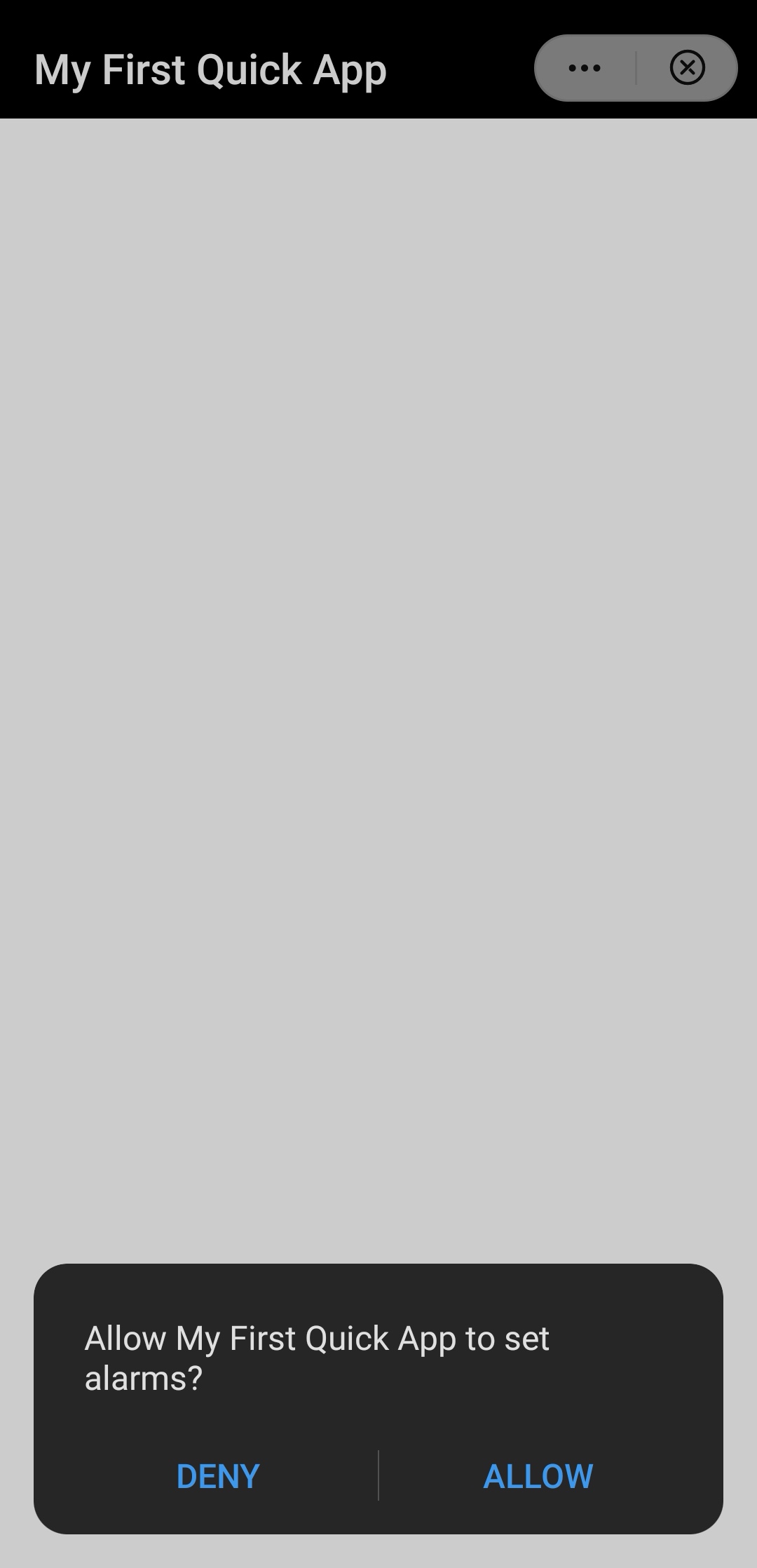
This method sets an alarm in the device. A warning dialog will be displayed, asking the user for confirmation.
# Arguments
This method requires an object with the following attributes:
hour(number). Mandatory attribute with the alarm time (in hours). The range of the value is0-23.minute(number). Mandatory attribute with the alarm time (in minutes). The range of the value is0-59.message(string). Optional attribute with the name of the alarm (up to 200 characters).vibrate(boolean). Optional flag that indicates whether to enable vibration (true, by default) or not (false).days(array<number>). Optional attribute with the recurring pattern of the alarm. The alarm does not repeat by default. For example,[0,1,2,3,4,5,6]repeats the alarm every day,[0,1,2,3,4]only weekdays,[0,6]repeats the alarm on Monday and Sunday.ringtone(string). Optional attribute with the ringtone. The file path may be a data file path or an in-app resource.success(function()). Optional callback function for success.fail(function()). Optional callback function for failure.complete(function()). Optional callback function on completion, regardless success or failure of the call.
Example:
<script>
  import alarm from '@system.alarm'
  export default {
    onReady () {
      alarm.setAlarm({
        hour: 6,
        minute: 0,
        message: 'Wake me up!!',
        vibrate: true,
        days: [0,1,2,3,4],
        ringtone: '/Common/audio/ding.m4a',
        success() {
          console.log('Success!')
        },
        fail(erromsg, errocode) {
          console.error(`Set alarm failed, msg: ${erromsg} code: ${errocode}`)
        },
        complete() {
          console.log('Done!' )
        }
      })
    },
  }
</script>
The system will show a confirmation dialog like the following.