# marquee
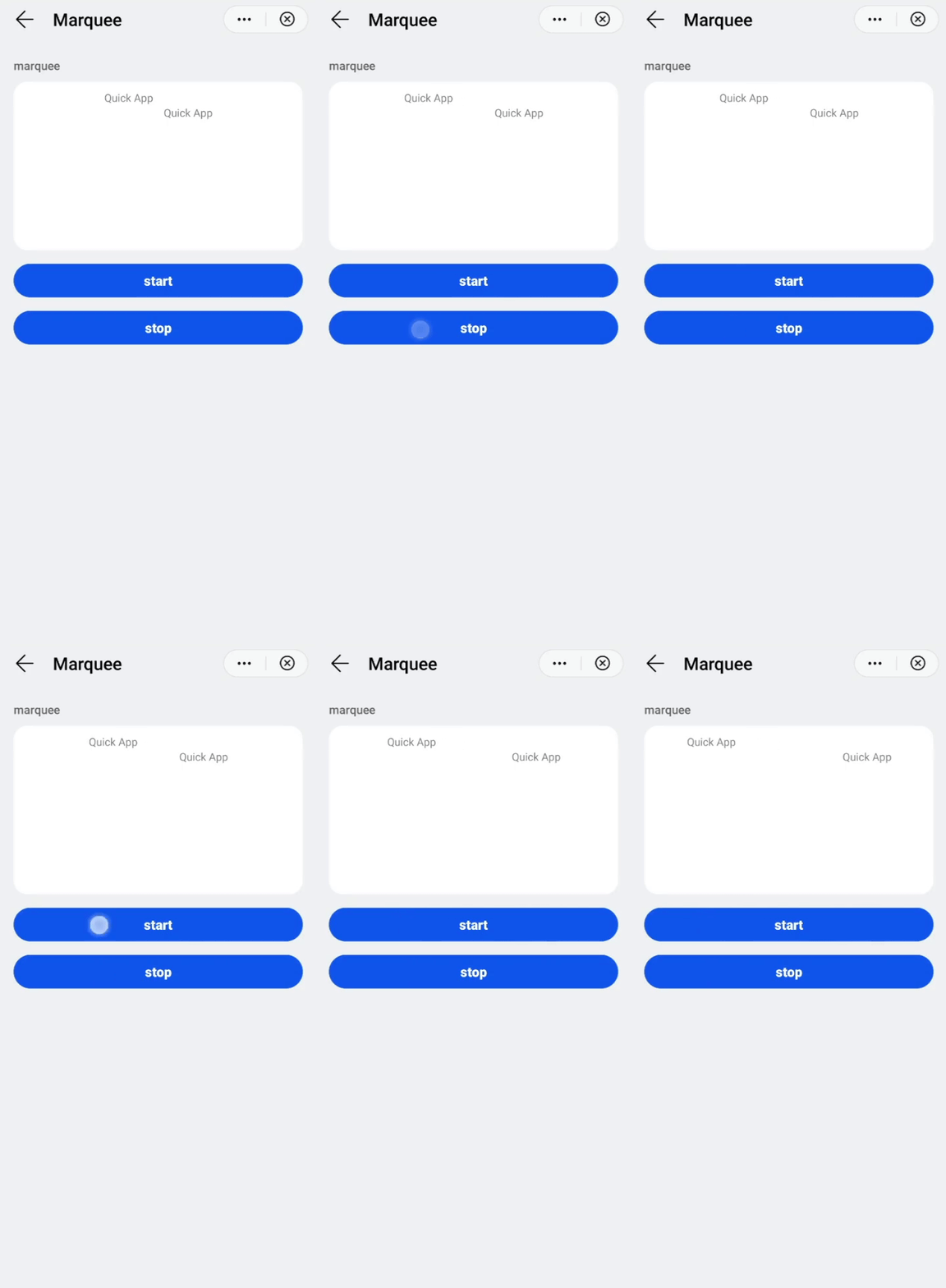
Marquee effect for scrolling text.
# Children Elements
This element doesn't support any element as child node.
# Attributes
In addition to the common attributes, this element may contain the following attributes.
# scrollamount
This attribute indicates the length of scrolling at each interval (in pixels).
- Type:
number - Default value:
6 - Mandatory: no
# loop
This attribute indicates the number of times the marquee will scroll.
- Type:
number - Default value:
-1(infinite) - Mandatory: no
# direction
This attribute sets the text scrolling direction.
- Type:
string(left|right) - Default value:
left - Mandatory: no
WARNING
- The value
ltrof thedirattribute does not take effect in this element when the script writing direction isright-to-left(e.g., in Arabic).
# CSS Properties
In addition to the common styles, this element supports the following styling properties:
# color
Color of the font.
- Type:
<color> - Default value:
#de000000 - Mandatory: no
# font-size
Font size.
- Type:
<length> - Default value:
37.5px - Mandatory: no
# font-weight
Weight of the font.
- Type:
string(lighter|100|200|300|400|500|600|700|800|900|normal|bold|bolder) - Default value:
normal - Mandatory: no
# font-family
Font family of for the text.
- Type:
string - Default value: -
- Mandatory: no
To customize fonts, please refer font-face style.
# Events
In addition to the common events, this element supports the following events:
# bounce
This event is triggered when the marquee text reaches the boundary.
# finish
This event is triggered when the number of loops is reached.
# start
This event is triggered when the marquee text starts to scroll.
# Methods
This element has the following methods:
# start()
This method starts the marquee animation.
# stop()
This method stops the marquee animation.
# Example
<template>
  <div class="container">
    <div class="case-title mt-item">
      <text class="title">marquee</text>
    </div>
    <div class="item-container marquee-container">
      <marquee class="marquee" id="marquee1">Quick App</marquee>
      <marquee class="marquee" direction="right" id="marquee2">Quick App</marquee>
    </div>
    <div class="mlr-container mt-btn row-center">
      <input type="button" value="start" class="btn-blue" onclick="start" />
    </div>
    <div class="mlr-container mt-btn row-center">
      <input type="button" value="stop" class="btn-blue" onclick="stop" />
    </div>
  </div>
</template>

<style lang="sass">
  .marquee-container {
    height: 400px;
  }
  .marquee {
    font-size: 26px;
  }
</style>

<script>
  module.exports = {
    start() {
      this.$element('marquee1').start();
      this.$element('marquee2').start();
    },
    stop() {
      this.$element('marquee1').stop();
      this.$element('marquee2').stop();
    }
  }
</script>